Mobile Games Where You Describe Your Character With a Text Prompt
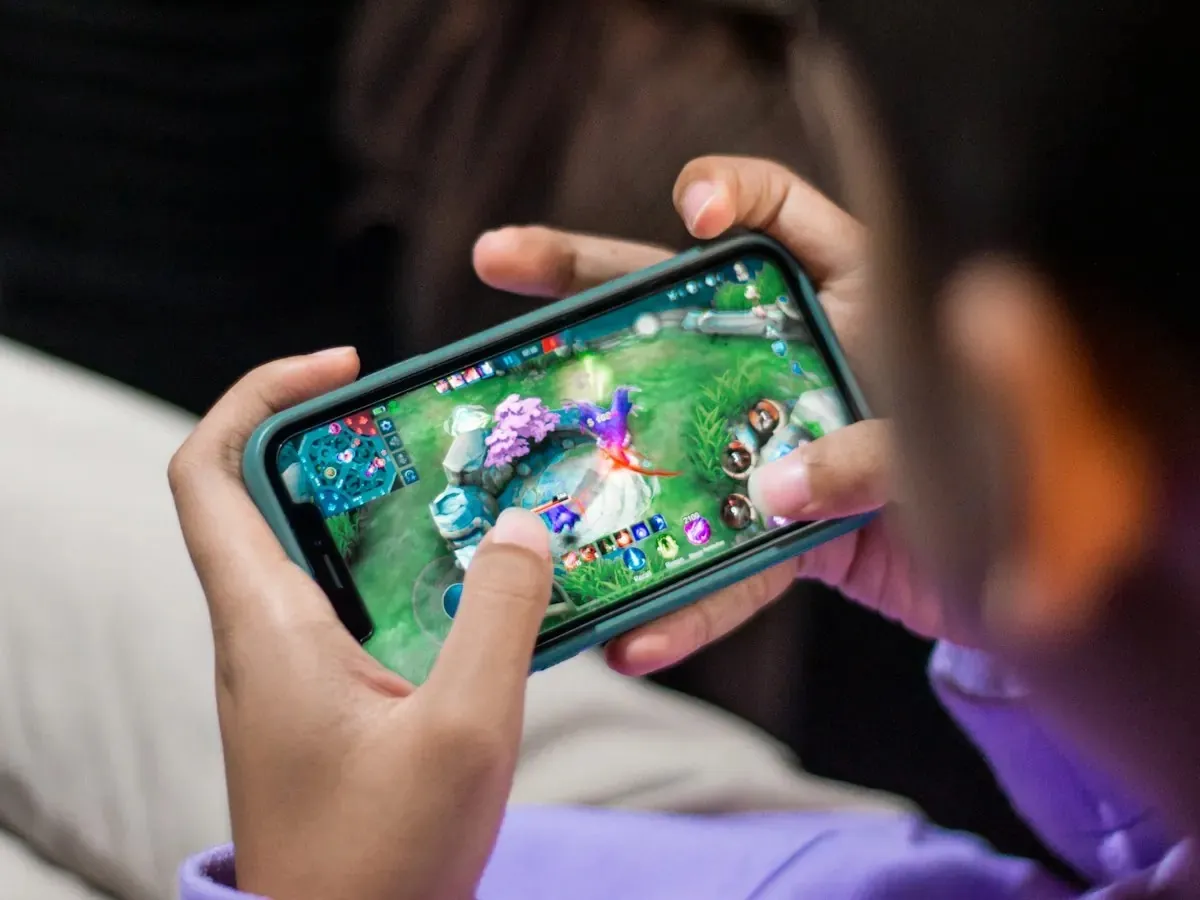
Games where you describe your character (not just sliders)
Searches for games create character text prompt usually mean something specific: you want to describe your character in a line or two (“sleepy bat in a paper hat”) and play as that character, not spend twenty minutes in eyebrow sliders. Mobile stores mix avatar editors, AI generators, and RPG makers. This article separates describe-to-play climbers and mini-games from cosmetic-only tools, with fair notes on limits and safety.
Describe-to-play vs slider avatars
| Approach | What you type | What you get | Typical session |
|---|---|---|---|
| Slider / catalog avatar | Nothing | Preset face and outfit | Social or dress-up |
| Prompt → visual | Short phrase | Generated portrait or sprite | Creative sandbox |
| Prompt → playable climber | Short phrase | Character you control in runs | Arcade loops |
If your goal is a playable result on mobile, filter for games that show your creation in the match, not only on a profile card.
What a good text-prompt mobile game should disclose
Before you paste a description into any game:
- Length limits. Many mobile prompts are short; plan a tight noun plus vibe.
- Content rules. Family-friendly games block NSFW or real-person likeness requests.
- Persistence. Does the character save to an account, or vanish when you close the tab?
- Gameplay link. Creation should feed the next run, lobby, or loadout screen without extra export steps.
Our category explainer AI character creator games goes deeper on how mobile titles handle prompts across genres, not only jumpers.
Mobile examples by intent (honest rows)
Inklets (our game, bias noted)
Describe a small Inklet in a short text prompt (about 80 characters); the game returns a sketchbook-style climber you equip for three-player survival matches. Inklets is not out yet: it is planned for iOS and Android, with the waitlist open at inklets.app and a browser sample live at game.inklets.app. Creation is tied to climbing, not a separate photo booth. Workflow detail: what is Inklets and inside the Inklets Sketchbook.
Generic AI avatar apps (various stores)
Useful for portraits and social icons. Often weak for platforming readability (silhouette, hitbox clarity). Try them when you want art, not when you want a jumper you can read at a glance.
Creative sandboxes with export
Some build-and-share games let you describe NPCs or stickers, then drop them into user levels. Gameplay varies; search for “create and play” in reviews before you install.
RPGs with text backgrounds
Story games may let you type personality traits that affect dialogue, not visuals. That satisfies narrative creation, not “look like my sentence”.
When you want only genre context without product steps, stay with AI character creator games. When you want Inklets-specific prompt habits, follow that post with what is Inklets.
How to write prompts that survive mobile moderation
Short, concrete, sketchbook-safe prompts work best on phones:
- Noun + trait + prop: “tiny robot with a scarf” beats a paragraph of lore.
- Avoid real people and brands. Moderation flags celebrity names and logos.
- Skip gore and adult themes in family arcade titles.
- Iterate in the app instead of pasting a novel from Notes.
If a game rejects a prompt, rewrite with simpler nouns before you assume the feature is broken. If you only want a cute mascot, a preset skin in any jumper from games like Doodle Jump is faster than any prompt.
Where describe-your-character meets multiplayer
Creation hits different when other players see your Inklet live. In survival climbers, readable silhouettes matter: spikes, ink, and wobbly platforms punish busy designs.
If multiplayer is the hook, pair this topic with Doodle Jump multiplayer to compare racing versus last-standing rules. Sample at game.inklets.app now, or join the waitlist at inklets.app for full three-player matches when the game opens.
Try Inklets without guessing store search
Type one prompt and equip the result. The browser demo is enough to test prompt feel for now; the planned app adds Sketchbook collection and online lobbies. More unlock paths: inside the Inklets Sketchbook. If you only wanted portrait toys, keep AI character creator games as your bookmark.
How to pick from store search results
Store screenshots rarely show whether text creation feeds gameplay. Read recent reviews for “prompt”, “custom character”, or “AI avatar”. If every screenshot is a dress-up room with no gameplay clip, assume cosmetic-only. If clips show your phrase on a runner during a match, you are closer to describe-to-play. Prompt limits differ by title: Inklets caps around 80 characters for mobile typing, while other apps may allow more text but still return a generic fallback when filters trip.
Offline play, accounts, and kids
Some prompt games work offline with a local gallery; online survival needs sign-in and stable connection. For minors, prefer titles with clear age ratings, in-game reporting, and prompts that block real names. No game replaces parental judgment on what a child types.
When sliders are the better tool
Competitive jumpers need readable silhouettes. If you care about rank on a leaderboard more than a one-off joke character, presets and sliders often win. Text prompts shine when you want a personal Inklet for a short session with friends, not when you need pixel-perfect symmetry for streaming.
Search with gameplay in mind
Add “multiplayer”, “platform”, or “runner” to your query, not only “AI avatar”.
Read one gameplay clip
Confirm the custom character appears during a run.
Test a short prompt
Noun, trait, prop. Retry once if moderation blocks you.
Open the demo or the waitlist
For Inklets, the browser sample is live, and the iOS and Android release is in the waitlist phase.
Frequently asked questions
Are text prompt characters safe for kids?
Depends on the game’s moderation and reporting tools. Read the store age rating and in-game safety pages before letting minors type free-form prompts.
Do prompt games need an account?
Many save creations locally first; online modes may require sign-in. Check before you assume cloud backup.
Can I use the same prompt across games?
Usually no. Each title interprets text with its own art rules and filters.
How is Inklets different from a portrait generator?
Inklets turns prompts into playable climbers in three-player matches, with Sketchbook collection meta. Portrait apps optimise still images, not jump readability.
Related reads.
 ai character creator
AI Character Creator Games: From Slider Menus to Text Prompts
AI character creator games let you describe a character instead of assembling one. How prompt-based creation works, and how Inklets builds it into play.
 inklets
What Is Inklets? A First Look at the Three-Player Sketchbook Climber
Inklets is a sketchbook-style multiplayer climber for iOS and Android, planned for Summer 2026. How matches work, the AI Generator, and the Sketchbook.
 inklets sketchbook
Inside the Inklets Sketchbook: Skins, Pages, Platforms, and Rare Inklets
The Inklets Sketchbook is where everything you earn lives: skins, page backgrounds, platform styles, trinkets, monsters, and rare Inklets. A full tour.